Widget GoogleDocsPicker (Drive Picker)
The GoogleDocsPicker widget allows users to select and import documents from Google Drive directly into your application. It provides a seamless integration with Google Drive API, enabling users to browse, select, and upload files from their Google Drive account.
OverviewDirect link to Overview
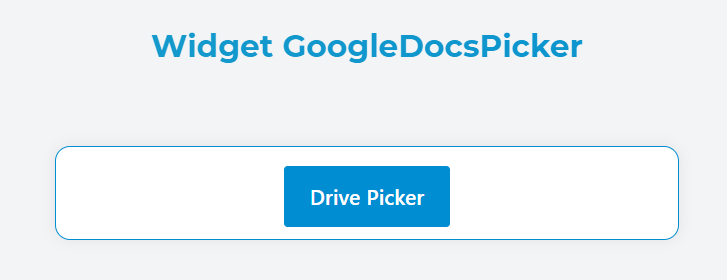
This widget creates a button that, when clicked, opens the Google Drive Picker interface. Users can browse through their files, shared files, and recently accessed documents. Selected files are automatically downloaded and uploaded to your platform's file system.
Basic ConfigurationDirect link to Basic Configuration
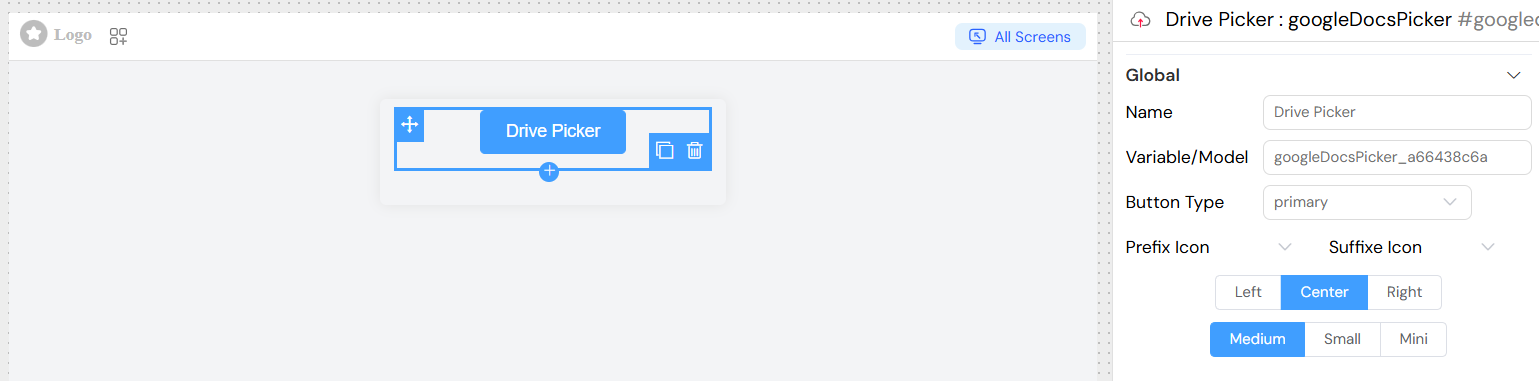
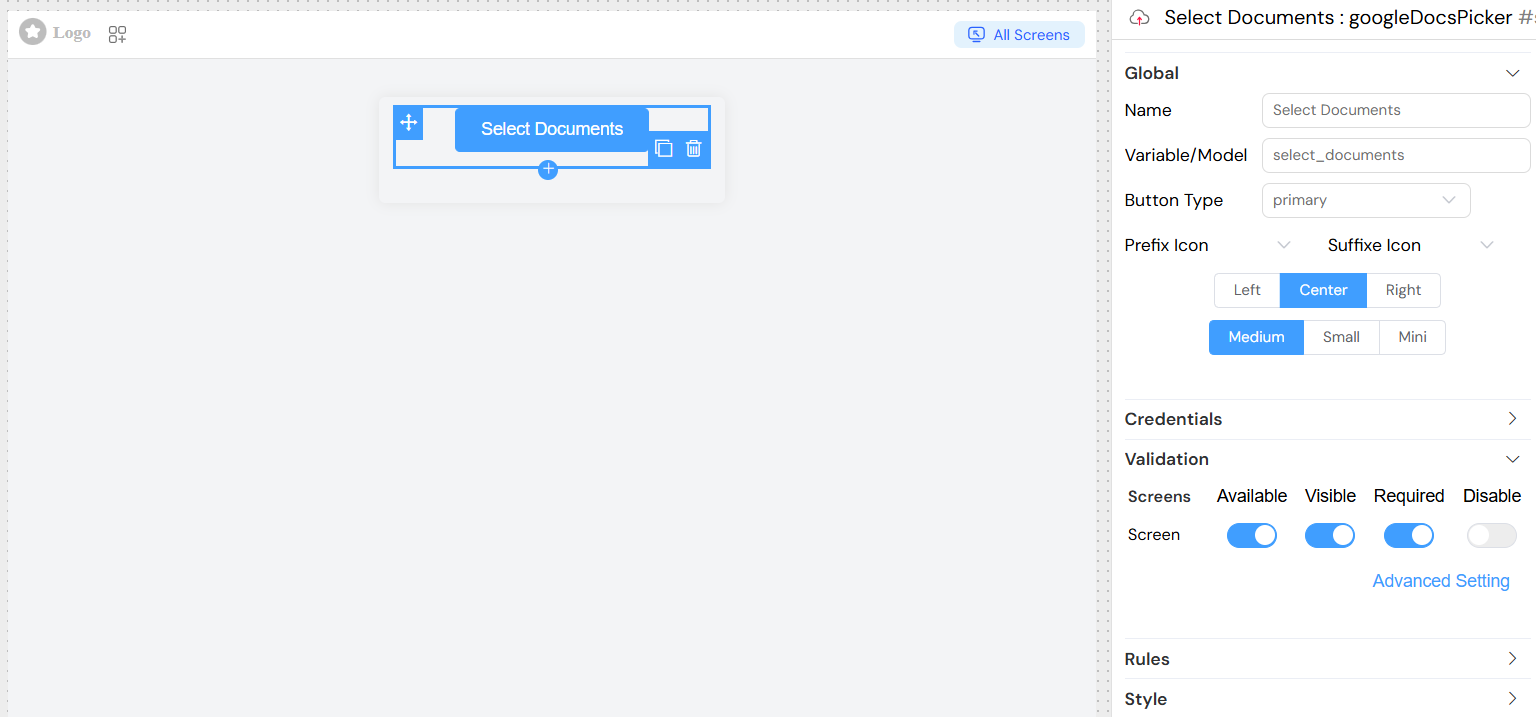
Name: Display name for the widget
Variable/Model: The variable name that will store the selected files array
Button Type: Visual style of the button
primary(blue)success(green)info(gray)warning(orange)danger(red)
Button Size: Size of the button
mediumsmallmini
Button Alignment: Horizontal alignment
leftcenterright
Icons: Optional prefix and suffix icons to enhance the button appearance
- Prefix Icon: Icon displayed before the button text
- Suffix Icon: Icon displayed after the button text
Credentials ConfigurationDirect link to Credentials Configuration
The widget requires Google Drive API credentials to function properly. These should be configured as environment variables:
Required CredentialsDirect link to Required Credentials
- Client ID: OAuth 2.0 client ID from Google Cloud Console
- Client Secret: OAuth 2.0 client secret from Google Cloud Console
- API Key: Google Drive API key from Google Cloud Console

Setting Up CredentialsDirect link to Setting Up Credentials
- Go to Google Cloud Console
- Create a new project or select an existing one
- Enable the Google Drive API and Google Picker API
- Create OAuth 2.0 credentials and API key
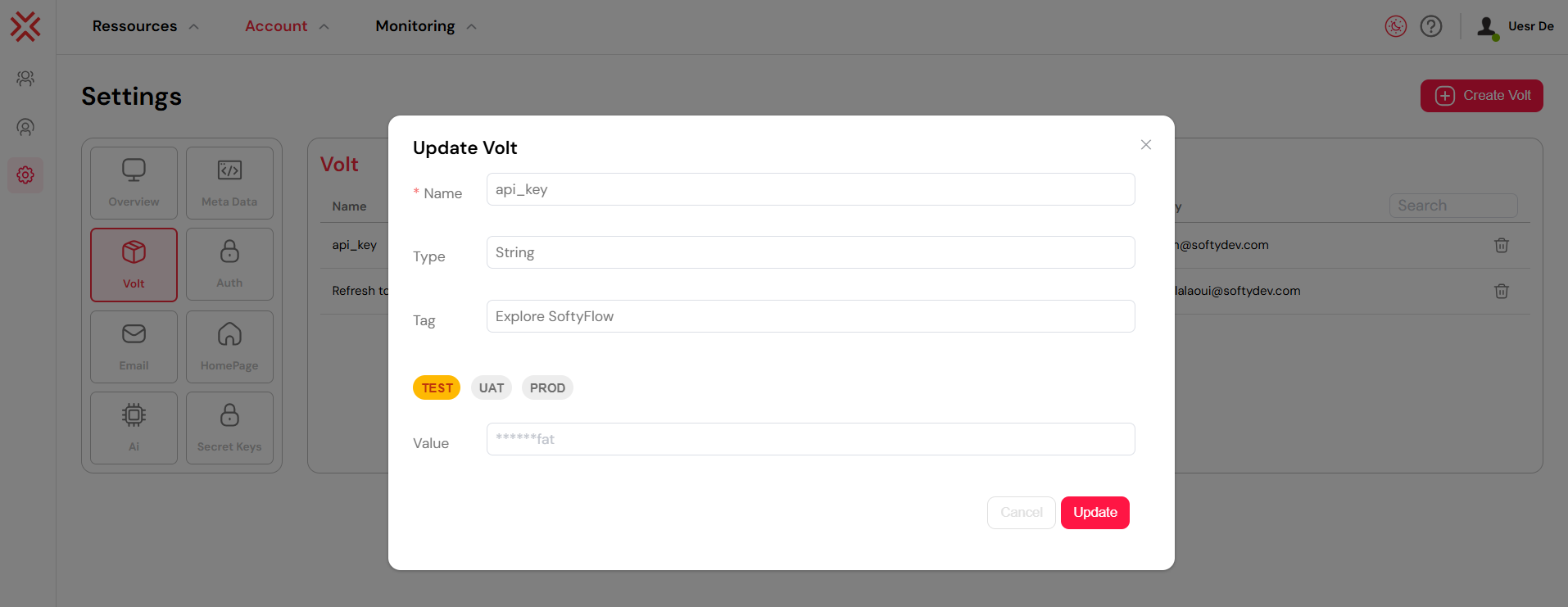
- Configure the credentials in Volt, create 3 entries:
google_drive_client_idgoogle_drive_client_secretgoogle_drive_api_key
- Select the appropriate variables in the widget configuration:
- Client Id: Select from available environment variables
- Client Secret: Select from available environment variables
- Api Key: Select from available environment variables
FeaturesDirect link to Features
File Selection InterfaceDirect link to File Selection Interface
The widget opens Google Drive Picker with multiple views:
- My Drive: Files owned by the user
- Shared with me: Files shared by others
- Shared drives: Team drive files
- Recent: Recently accessed files
Supported File TypesDirect link to Supported File Types
The widget handles two categories of files:
- Native Google Files: Documents, Spreadsheets, Presentations
- Automatically exported to standard formats (PDF for docs, CSV for sheets)
- Regular Files: All other file types
- Downloaded in their original format
Validation OptionsDirect link to Validation Options
Screen-based ValidationDirect link to Screen-based Validation
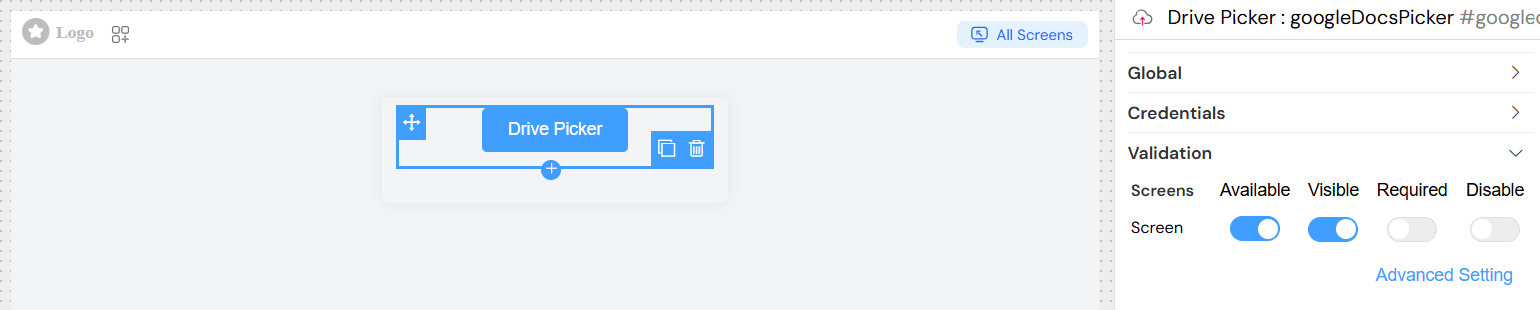
Configure different validation states for different screens/contexts:
- Available: Whether the widget is available on the screen
- Visible: Whether the widget is visible to users
- Required: Whether file selection is mandatory
- Disable: Whether the widget is disabled
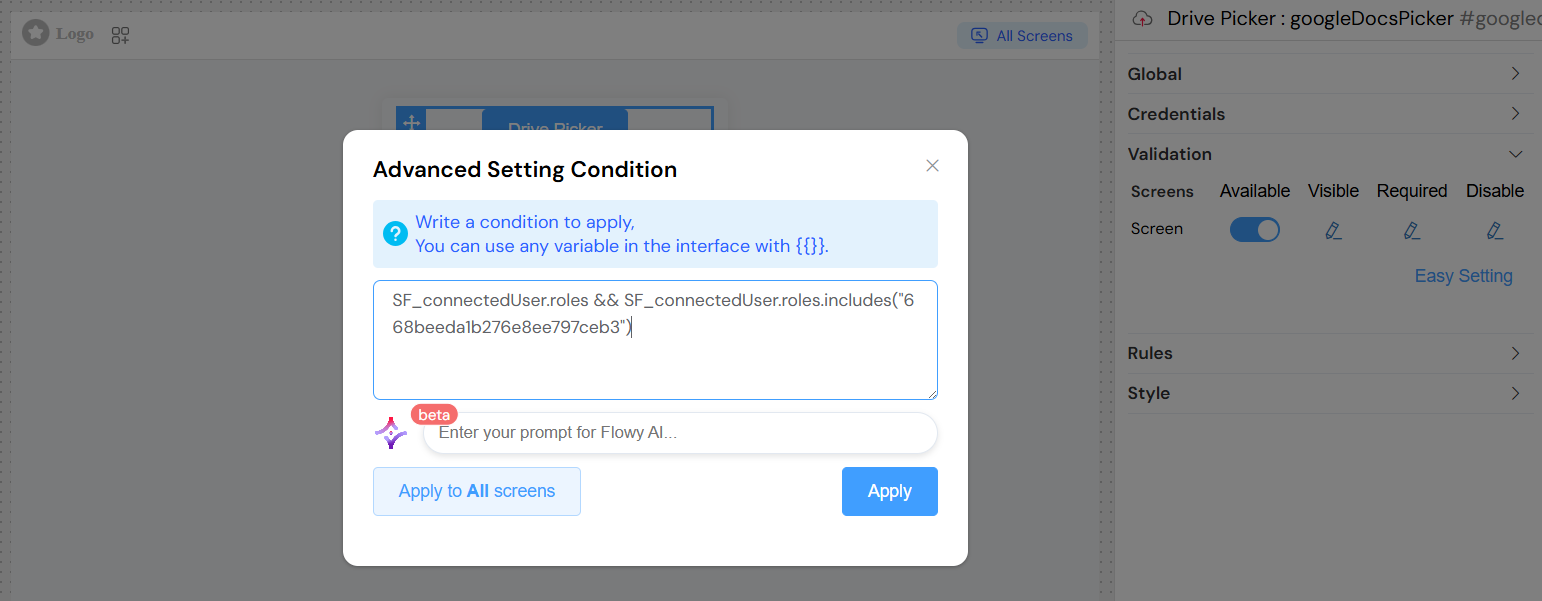
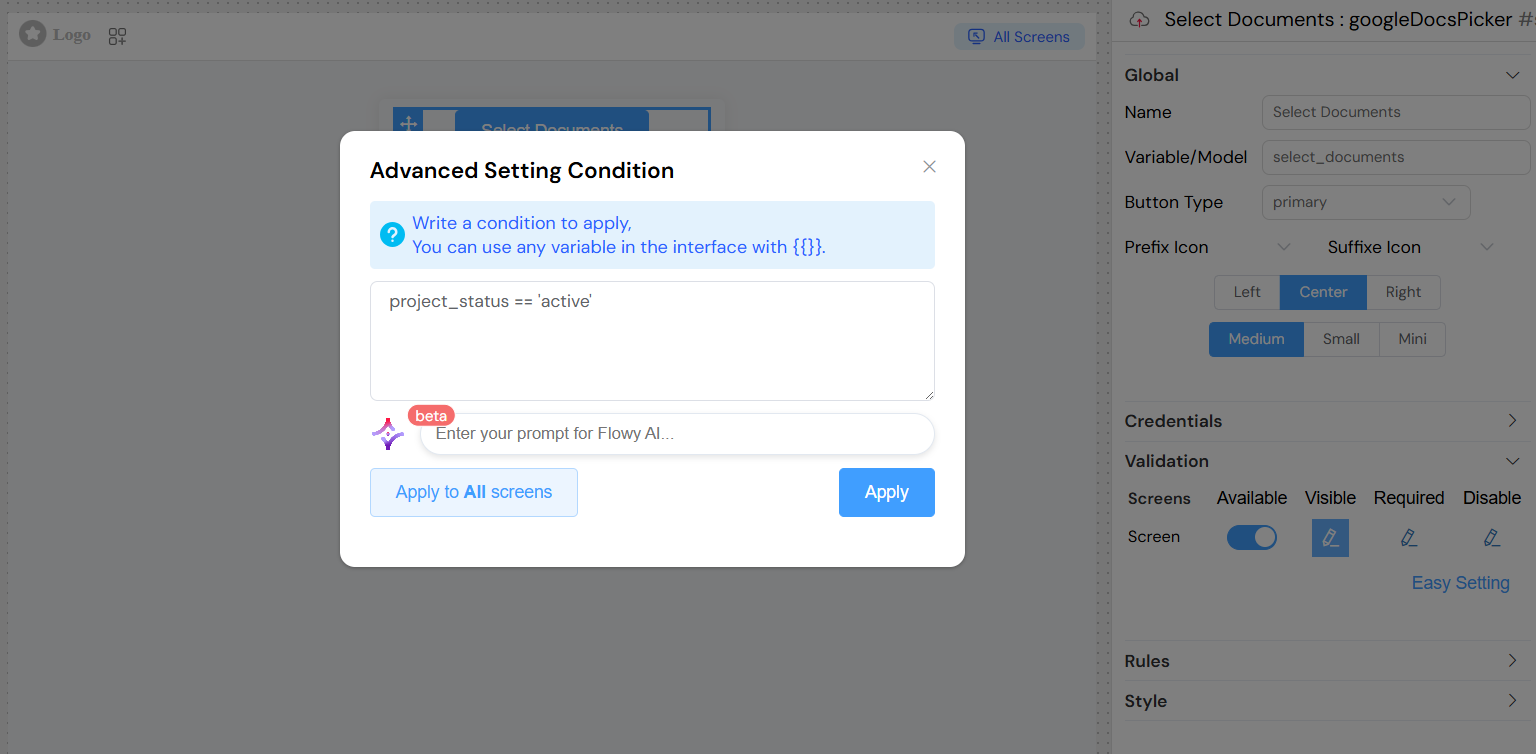
Advanced ConditionsDirect link to Advanced Conditions
Use dynamic conditions with variables:
Validation RulesDirect link to Validation Rules
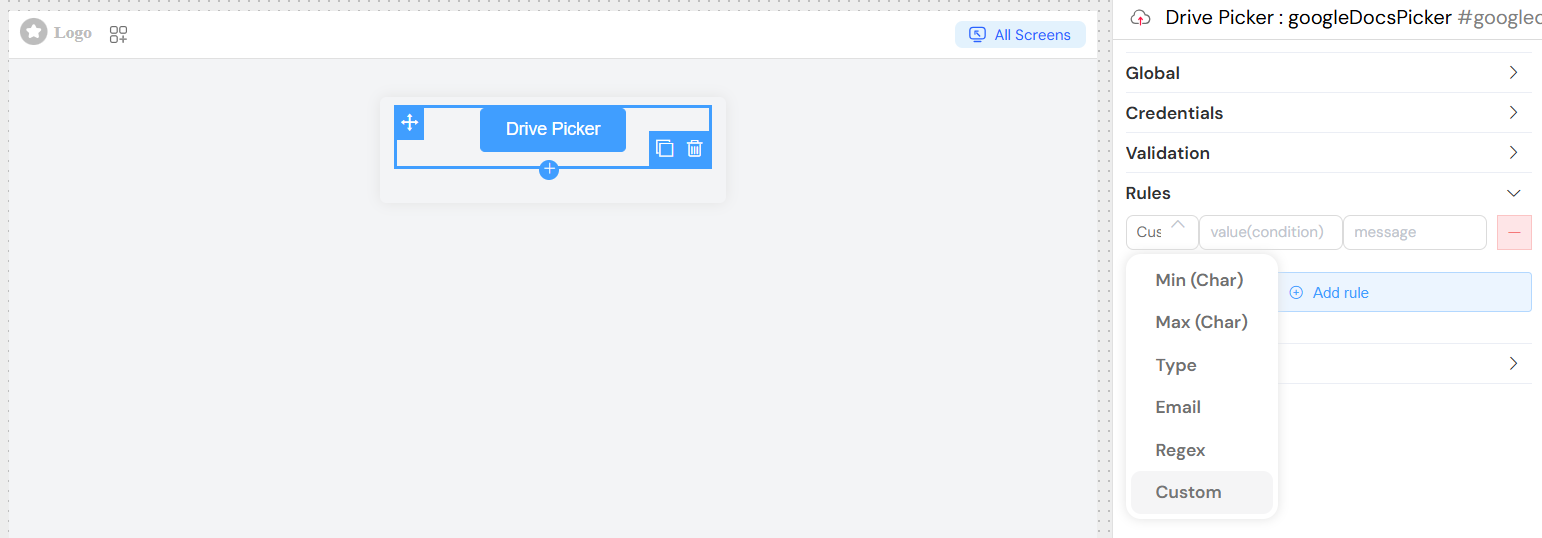
Add custom validation rules with messages:
- Rule Types: Various built-in validation rules
- Custom Values: Rule-specific parameters
- Error Messages: Custom messages shown to users on validation failure
Styling OptionsDirect link to Styling Options
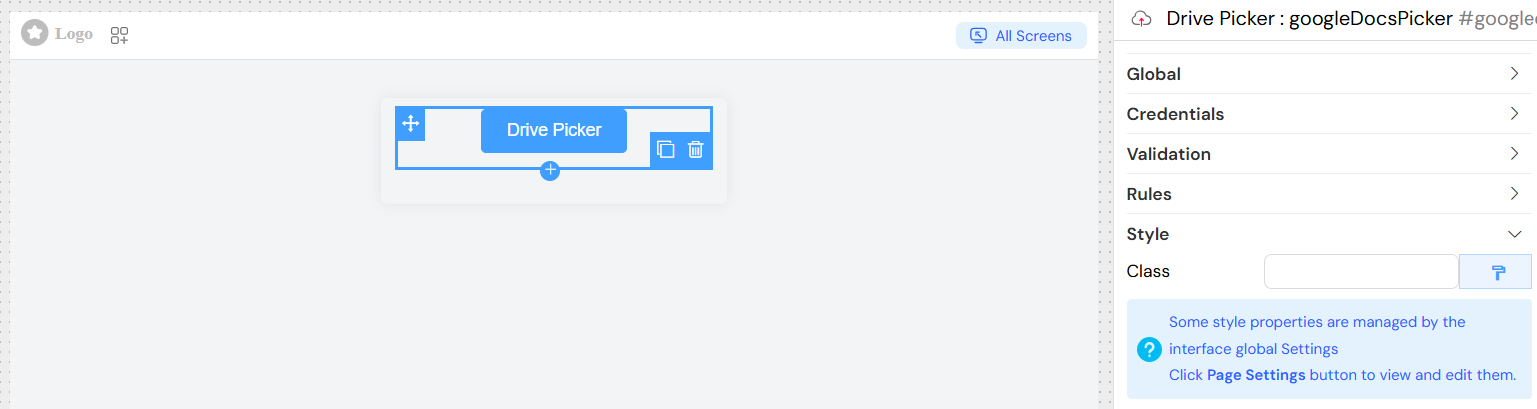
- CSS Classes: Add custom CSS classes for styling
- Dynamic Classes: Use conditions to apply classes based on data state
Usage ExamplesDirect link to Usage Examples
Basic Configuration With ValidationDirect link to Basic Configuration With Validation
Advanced ConfigurationDirect link to Advanced Configuration
Security ConsiderationsDirect link to Security Considerations
- Ensure proper OAuth scope configuration
- Use environment variables for sensitive credentials
- Implement proper access controls for file uploads
- Validate file types and sizes on the server side
TroubleshootingDirect link to Troubleshooting
Common IssuesDirect link to Common Issues
- Authentication Errors: Verify credentials are correctly configured
- Picker Not Opening: Check if Google APIs are enabled
- File Upload Failures: Verify server-side file handling
- CORS Issues: Ensure proper domain configuration in Google Console
Debug TipsDirect link to Debug Tips
- Check browser console for API errors
- Verify OAuth redirect URIs match your domain
- Test with different file types and sizes
- Monitor network requests for API call failures
Browser SupportDirect link to Browser Support
The widget requires modern browsers with support for:
- ES6 JavaScript features
- OAuth 2.0 authentication
- File API for upload handling
- Modern CSS features for styling