Spacer Widget
OverviewDirect link to Overview
The Spacer widget is a non-interactive layout utility used to add vertical space between interface components. It provides consistent spacing control while supporting dynamic visibility and styling.
Basic ConfigurationDirect link to Basic Configuration
Global SettingsDirect link to Global Settings
NameDirect link to Name
- Field: Name
- Description: Display name for the widget in the interface builder
- Type: Text input
- Required: Yes
Variable/ModelDirect link to Variable/Model
- Field: Variable/Model
- Description: Not applicable – Spacer does not bind to a model
- Type: N/A
- Required: No

ValidationDirect link to Validation
- Available: Controls if the widget is available on the screen
- Visibility: Controls whether the spacer is displayed
- Required: Not applicable
- Disable: Not applicable

StylingDirect link to Styling
Layout OptionsDirect link to Layout Options
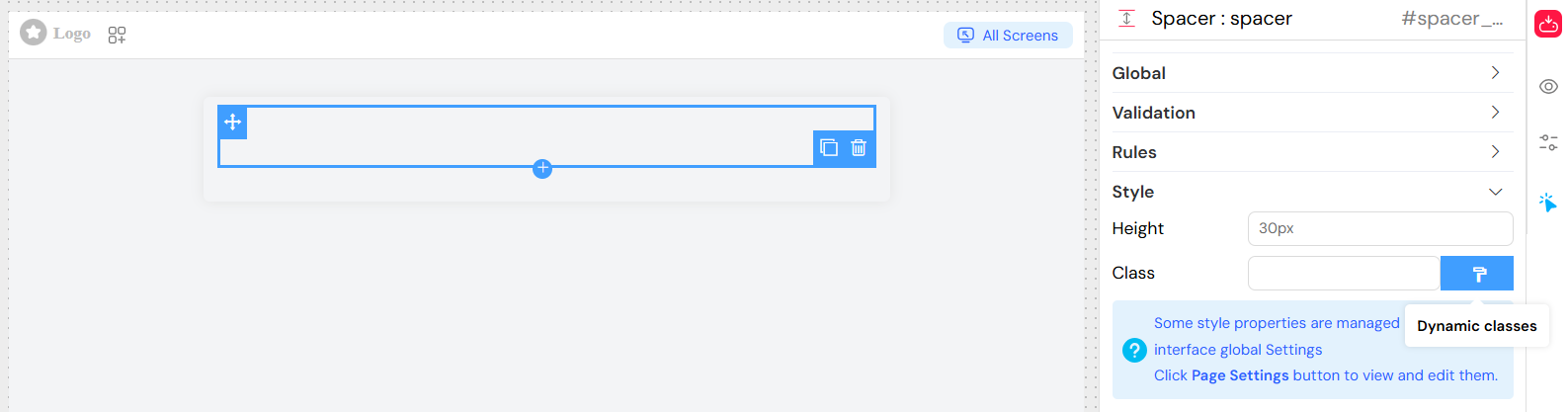
- Width: Inherits from parent container
- Height: Configurable via widget settings
- Class: Add custom CSS classes for additional styling
Dynamic ClassesDirect link to Dynamic Classes
Dynamic classes can be applied using configuration:
{
  "hidden": "{{isMobile}}",
  "highlight": "{{isImportant}}"
}
Choosing the right layout elementDirect link to Choosing the right layout element
Use a Spacer when a deliberate empty area belongs to the layout, for example between a summary and the next group of inputs. If you only need to separate two adjacent fields, first check the container’s margin or padding settings: one spacing rule is usually easier to maintain than several empty widgets.
Use a Divider when the separation should be visible. A spacer adds empty space; it does not provide a heading or explain how the following fields are grouped. Keep meaningful section titles in the form.
Before publishing, preview the layout at a narrow mobile width and at a desktop width. Check both the visible and hidden states of the spacer so that neither an oversized gap nor a cramped group of fields interrupts the reading order.
Best PracticesDirect link to Best Practices
- Use only when necessary – Prefer margin/padding for simple spacing
- Keep consistent sizes – Apply standard spacing values across the interface
- Responsive design – Use relative units (
vh,%,em) when targeting multiple screen sizes - Combine with layouts – Works best when used in grid or row containers
Accessibility ConsiderationsDirect link to Accessibility Considerations
- Spacer has no impact on accessibility tools
- Ignored by screen readers
- Does not affect keyboard navigation
Performance TipsDirect link to Performance Tips
- Very lightweight, minimal rendering cost
- Use static sizes where possible for predictable layouts
TroubleshootingDirect link to Troubleshooting
Spacer not visible
- Check
visibleproperty is set to true - Ensure height is configured with valid CSS units
Unexpected size
- Verify container styling does not override spacer height
- Inspect computed CSS with developer tools
Class not applied
- Remove commas in class names
- Ensure CSS class definitions exist